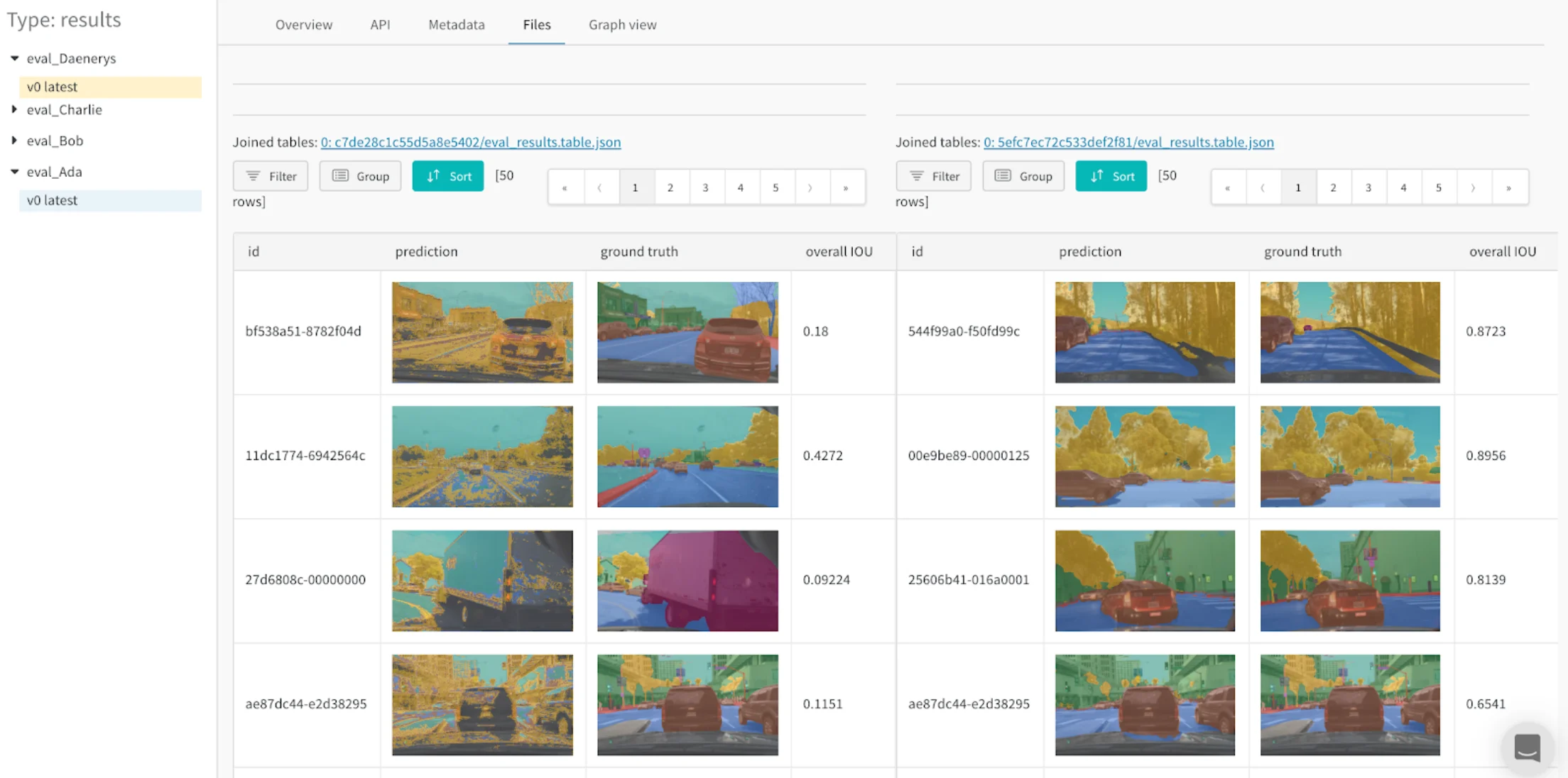
View your data
Log metrics and rich media during model training or evaluation, then visualize results in a persistent database synced to the cloud, or to your hosting instance.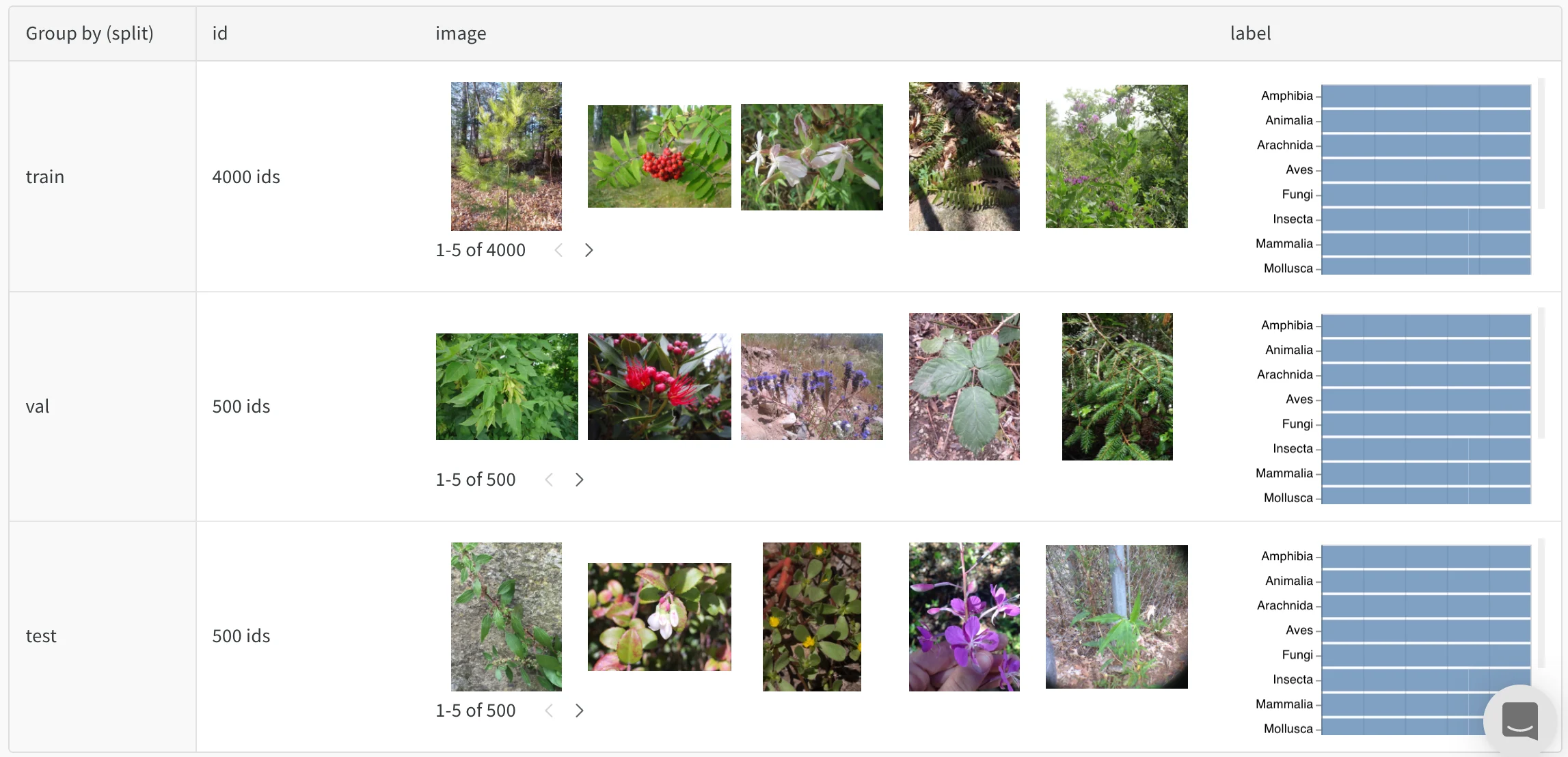
Explore your data interactively
View, sort, filter, group, join, and query tables to understand your data and model performance. You don’t need to browse static files or rerun analysis scripts.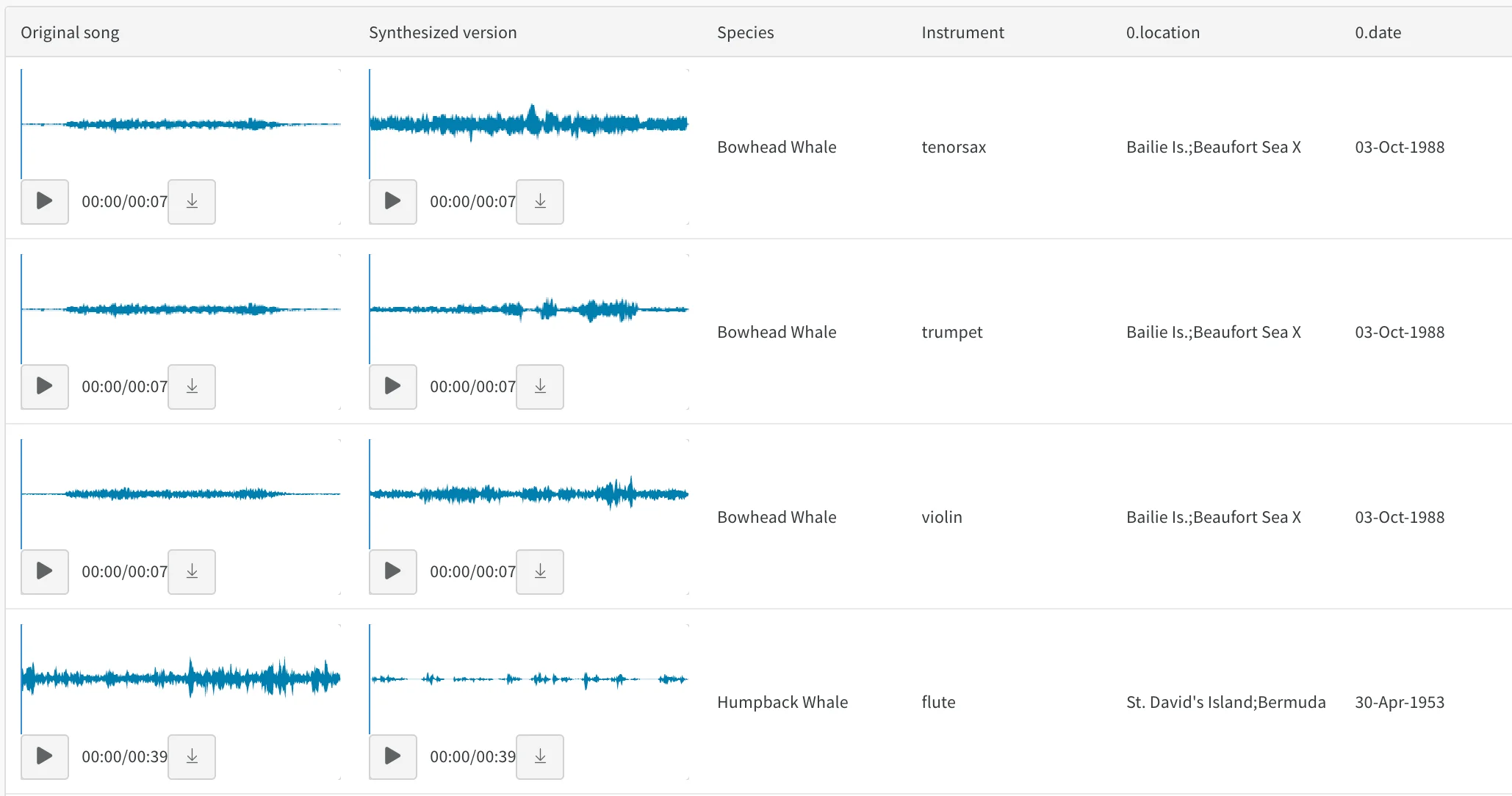
Compare model versions
Compare results across training epochs, datasets, hyperparameter choices, and model architectures.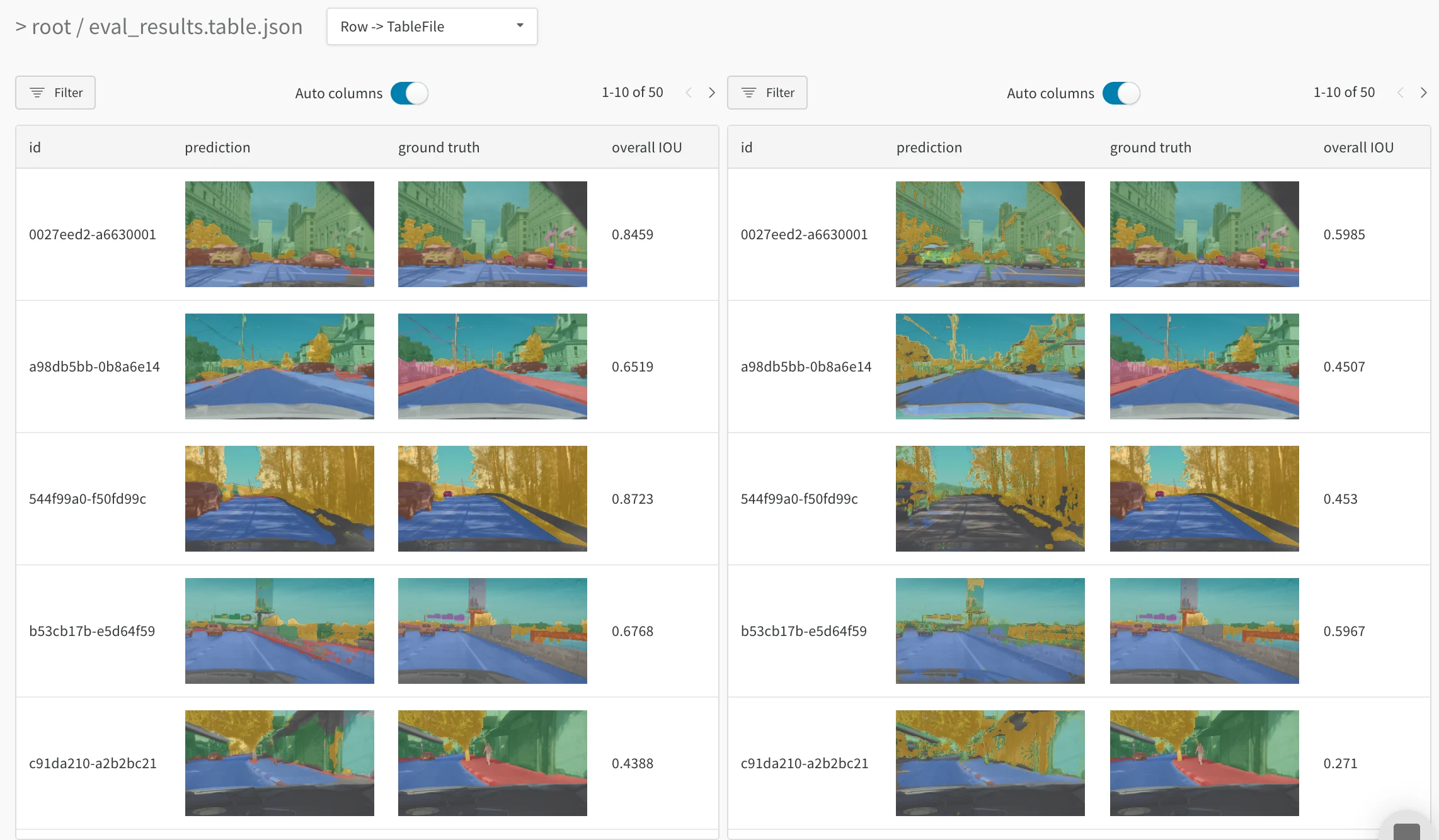
Track every detail and see the bigger picture
Zoom in to visualize a specific prediction at a specific step. Zoom out to see the aggregate statistics, identify patterns of errors, and understand opportunities for improvement. This tool works for comparing steps from a single model training, or results across different model versions.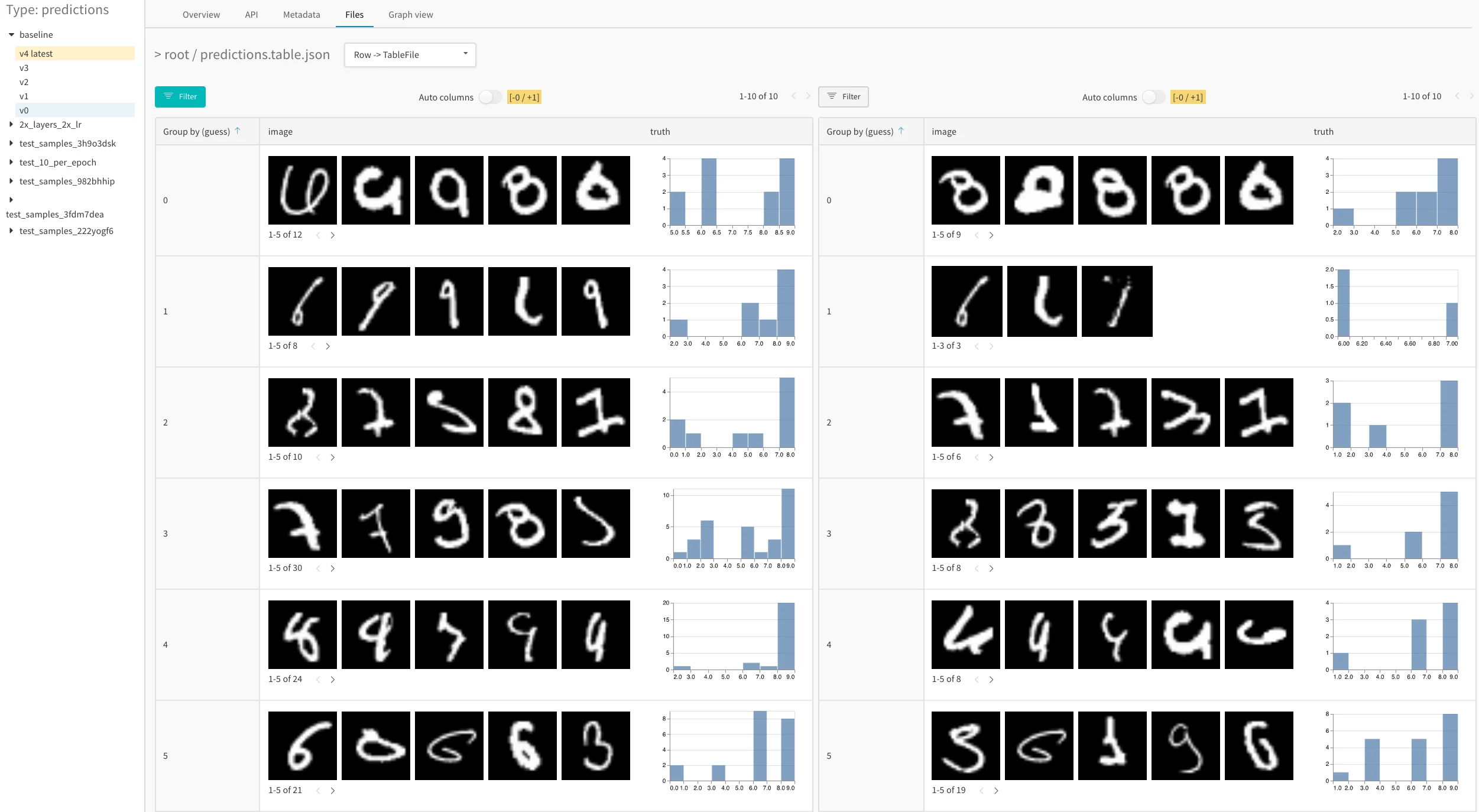
Image classification
See how a CNN identifies ten types of living things (plants, birds, insects, and more) from iNaturalist photos. Read Visualize Data for Image Classification, follow the data visualization nature Colab, or explore the artifacts context.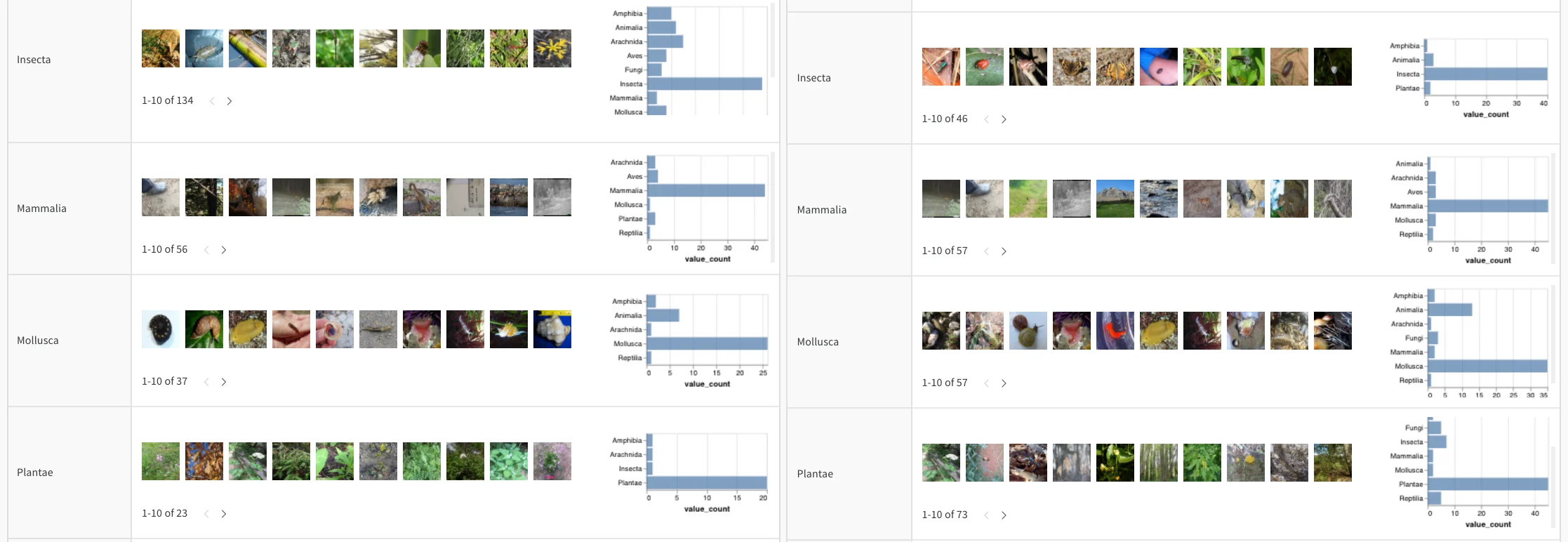
Audio
Interact with audio tables in Whale2Song - W&B Tables for Audio on timbre transfer. You can compare a recorded whale song with a synthesized rendition of the same melody on an instrument like violin or trumpet. You can also record your own songs and explore their synthesized versions in W&B with the audio transfer Colab.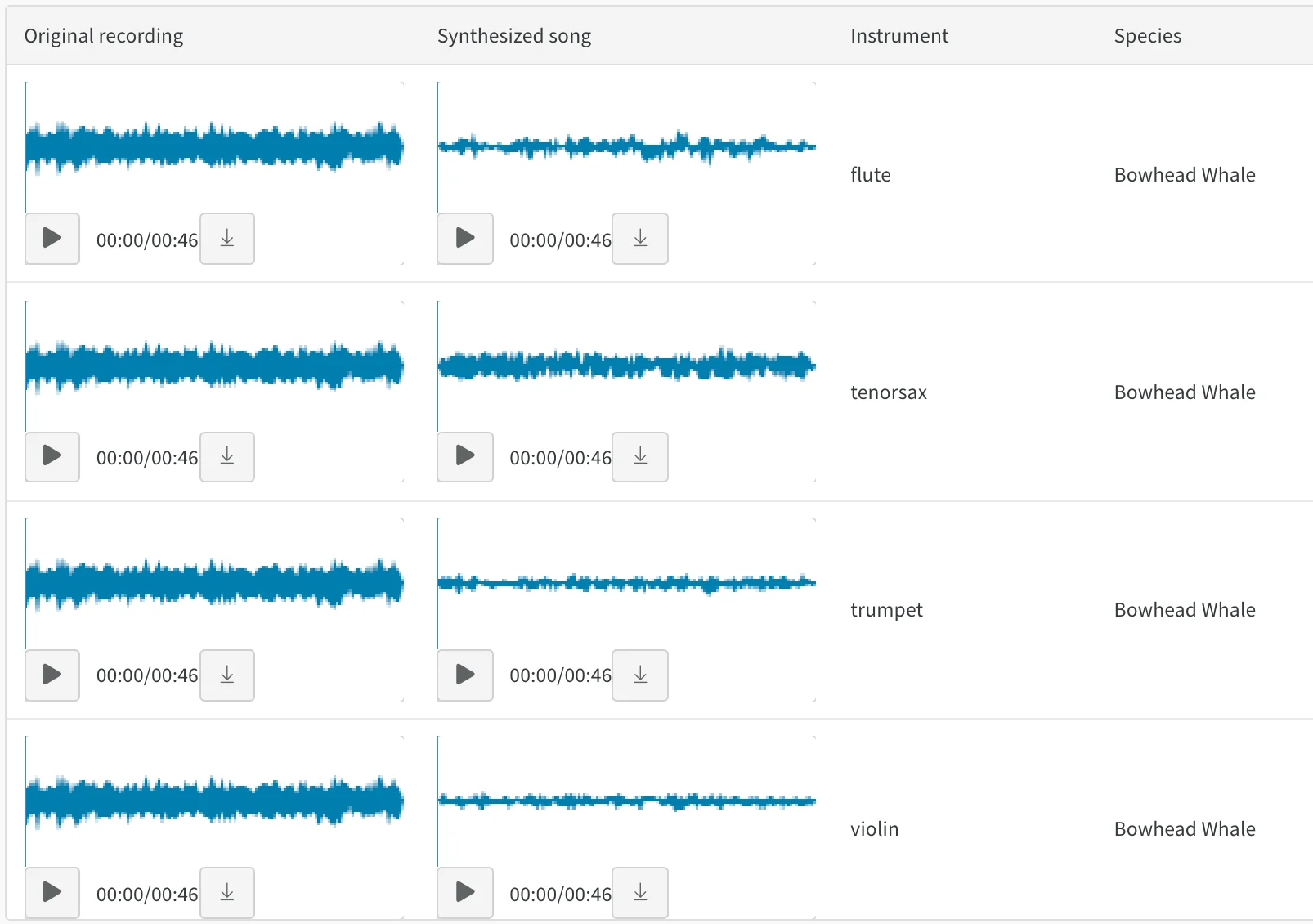
Text
Browse text samples from training data or generated output, dynamically group by relevant fields, and align your evaluation across model variants or experiment settings. Render text as Markdown or use visual diff mode to compare texts. See the Shakespeare text generation report for an example of a character-based RNN.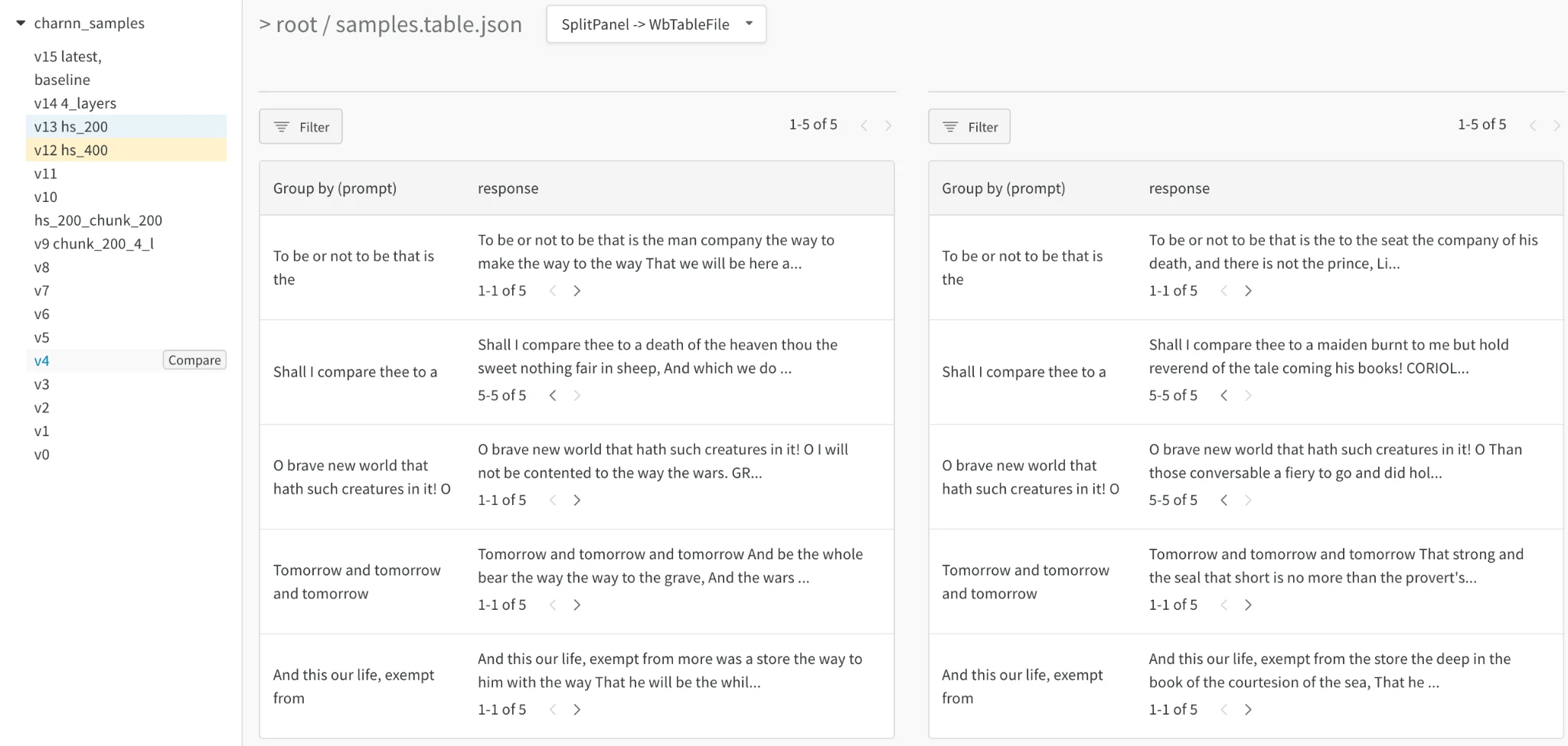
Video
Browse and aggregate over videos logged during training to understand your models. For an example, see the SafeLife benchmark for reinforcement learning (RL) agents seeking to minimize side effects.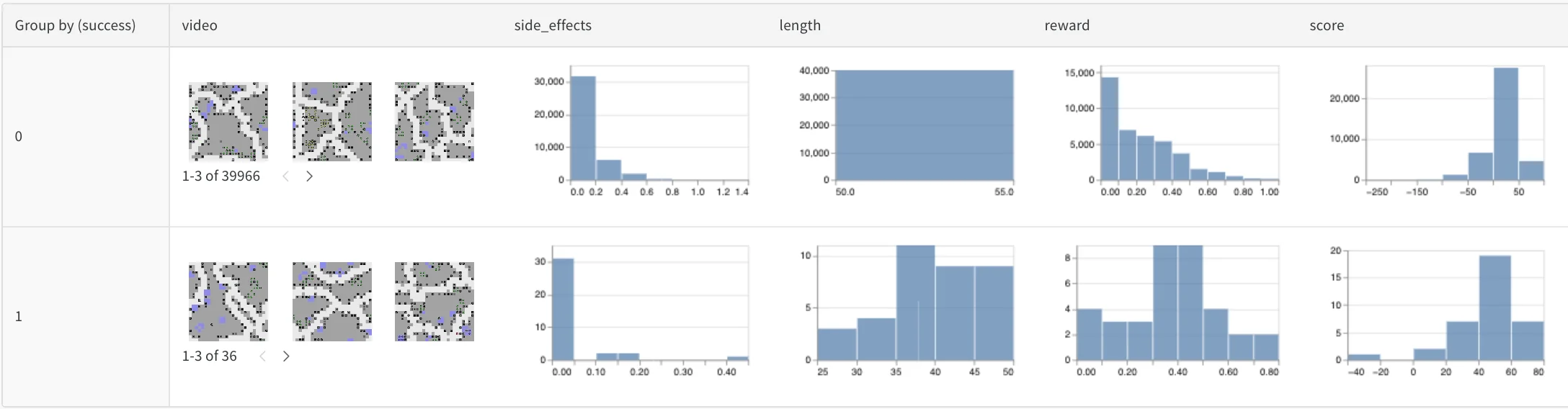
Tabular data
View a report on how to split and preprocess tabular data with version control and deduplication.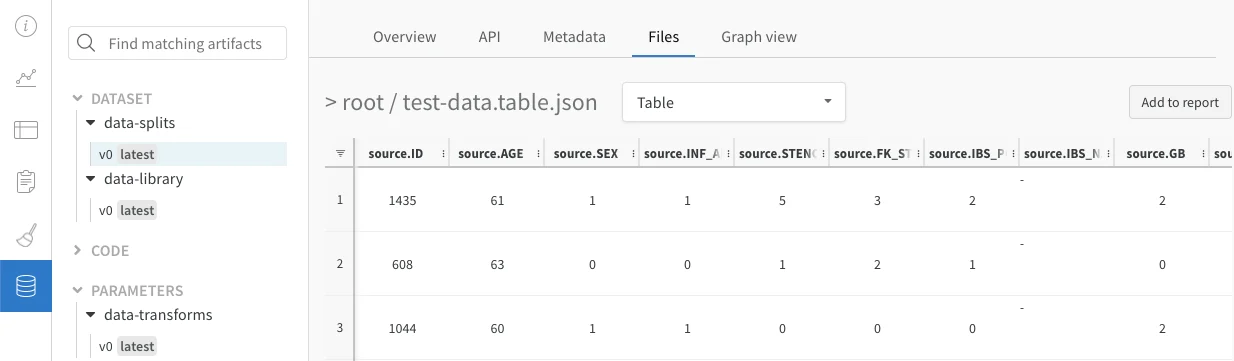
Compare model variants (semantic segmentation)
See an interactive notebook and live example that log Tables for semantic segmentation and compare different models. Try your own queries in this Table.